MCIR · Mesh Condition Inspection Report
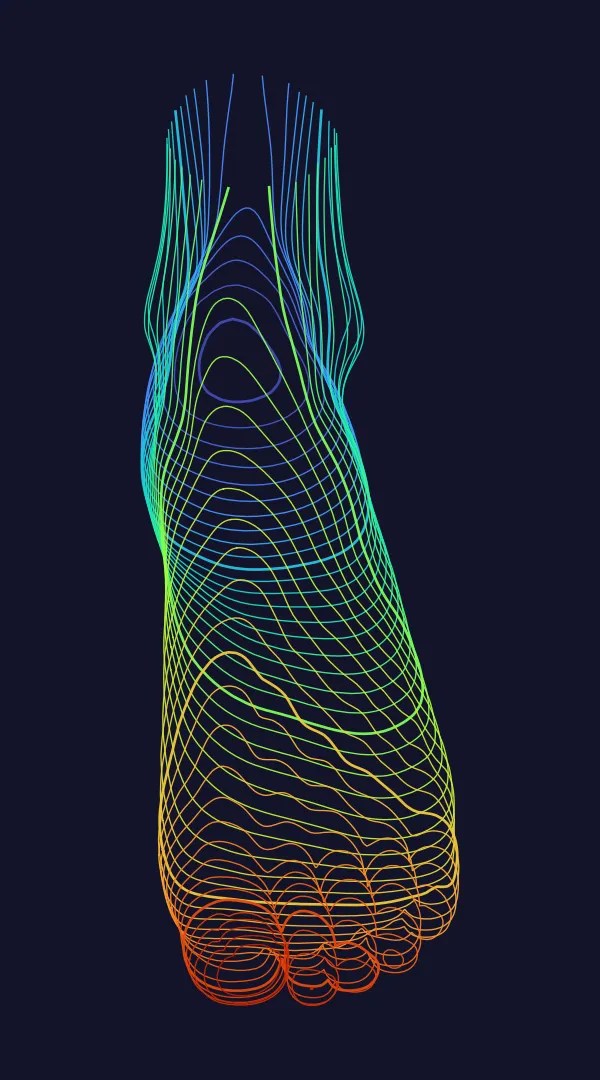
I thought the feet were done. Then I posed the character, and the toes bent as one block, like a mitten. They were never separate to begin with.
Worth keeping.
Hard to handle.
A mesh this dense holds real detail, and today's hardware renders it with ease, in film and in games. That is why it is worth keeping. Finding what is wrong inside it is why it is hard to handle.
Everyone knew. Nobody had the time.
Finding every problem in a two-million-triangle mesh by hand takes days.
So it waits, until the character moves and the problem shows on its own.
MCIR does that part.
You keep doing the creative work. We do the searching.
Know where to look.
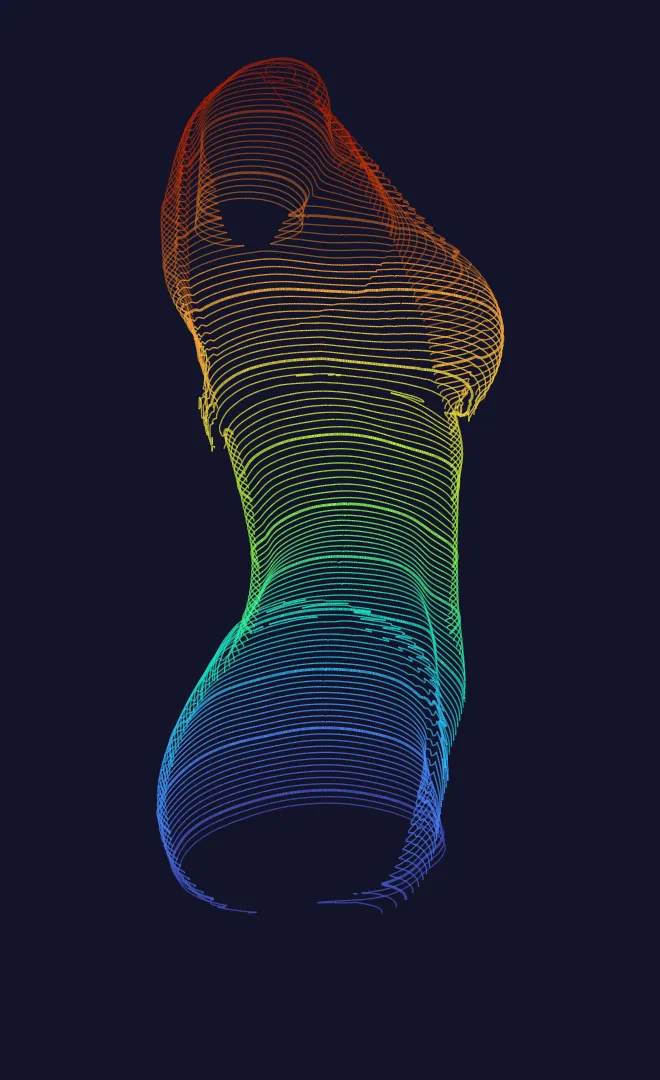
Every flagged region, separated.
slices through one torso, 5 mm apart.
Each flagged region gets its own number, location, size and vertex list.
I clicked “Automatic Weights” and moved the leg. The hip dragged half the belly with it. Somewhere under the surface, two layers were touching, and I could not see where.
Ready for your agent.
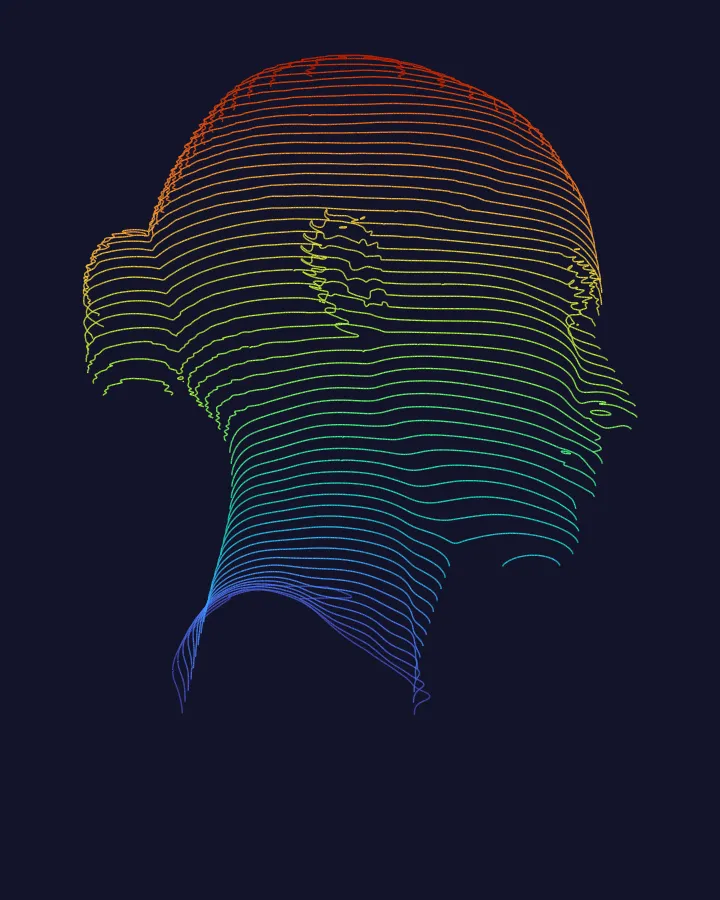
slices through one head.
One line selects the region in Blender. Your agent goes straight to fixing, not searching.
The face looked perfect, until it blinked. One loop around the eye stretched the cheek into a crease. In a close-up, nothing else gets noticed.
Seconds, not days.
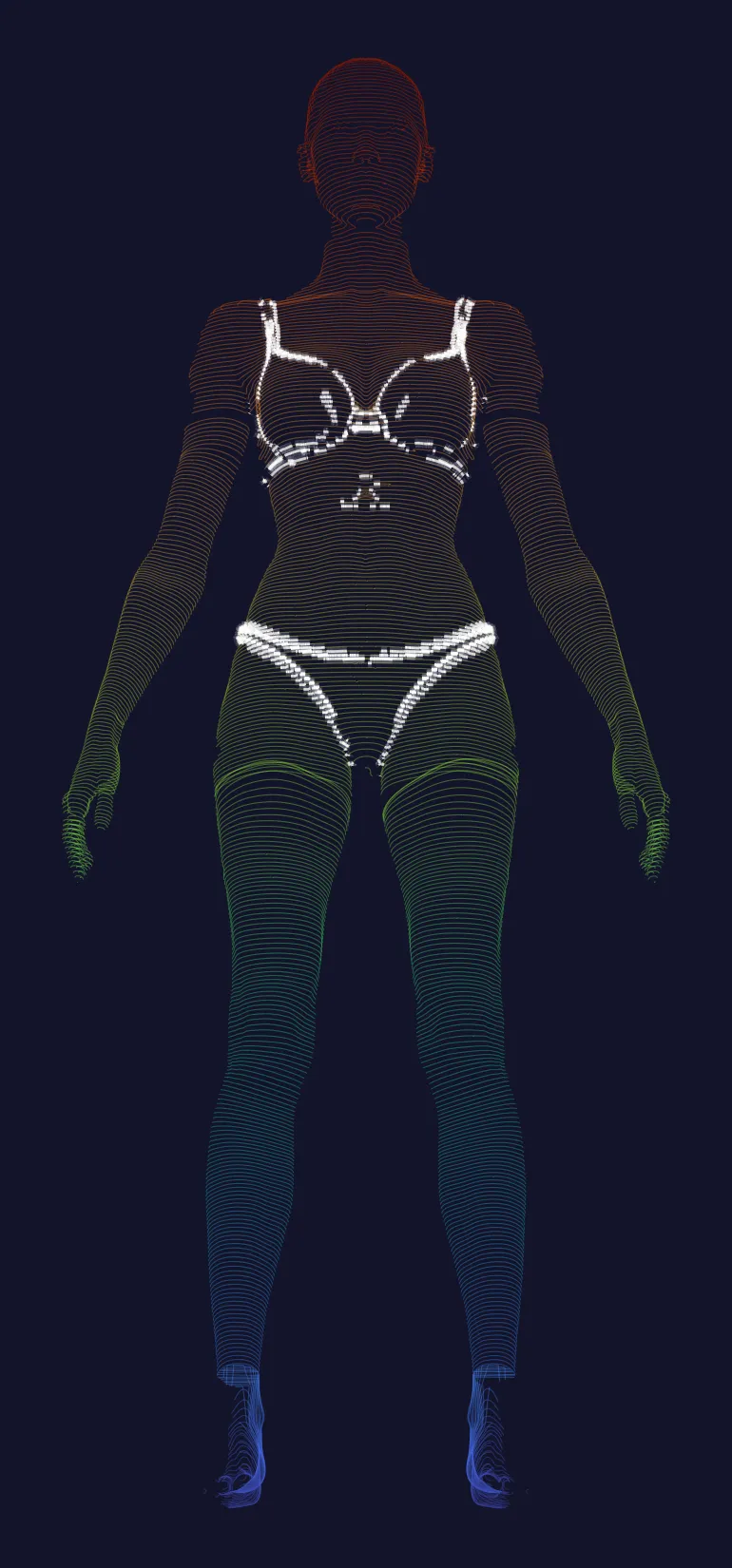
triangles in one mesh.
The whole mesh is inspected in seconds. The glowing regions are where to look.
The shirt and the skin were one surface. Every time the arm lifted, the sleeve went with the skin. To layer real clothes, I first had to find where one ends and the other begins, among two million triangles.
So we went
looking, hard.
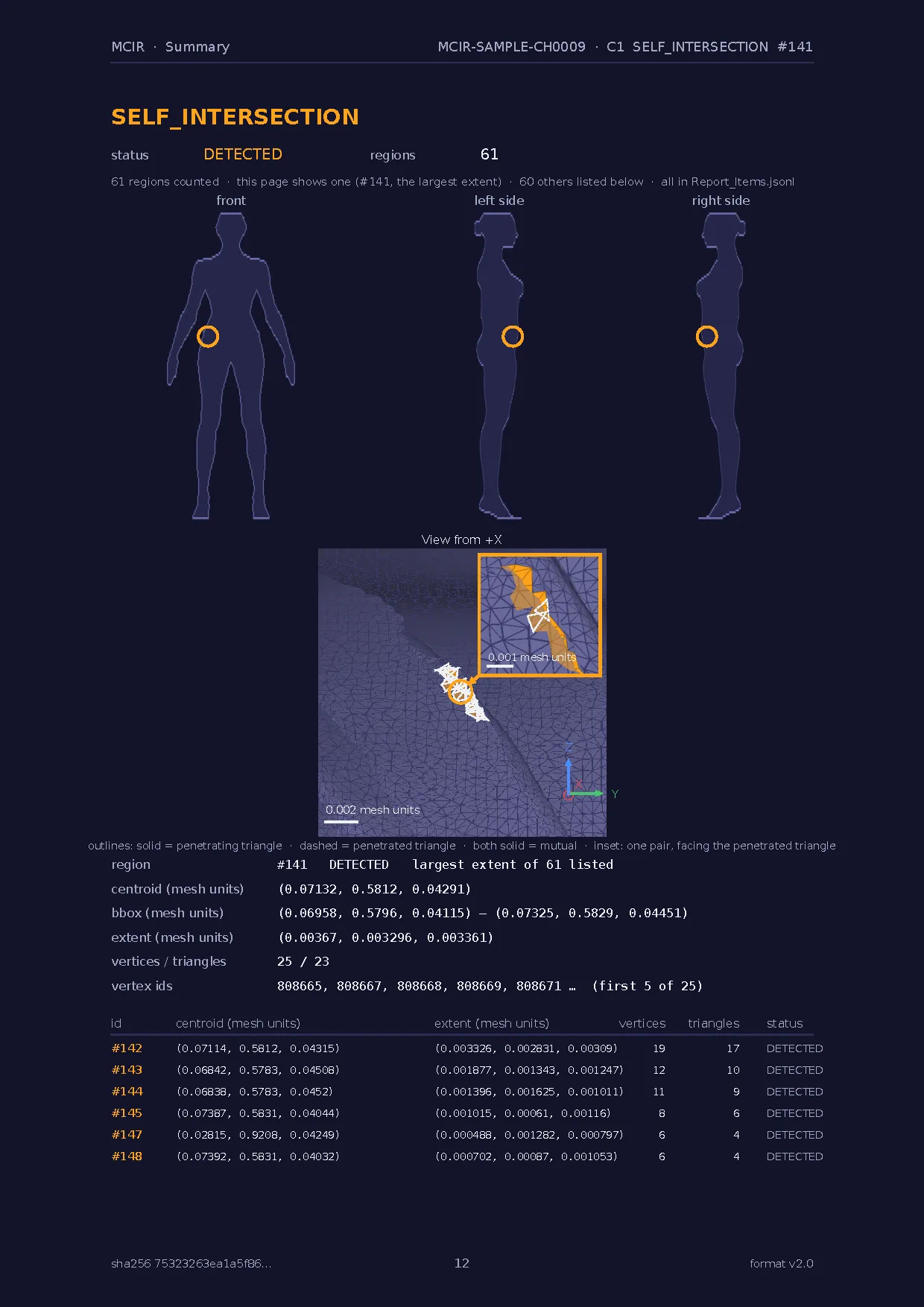
One page per finding.
Where it is on the body, a close-up with scale and direction, and the numbers that pin it down.
This is a real page from an MCIR report: region #141, a self-intersection at the waist.

Everything else
comes after.
Know what you found.
Every region comes with its centre, its extent, its vertex and triangle counts, and the exact vertex IDs. The same numbers arrive as structured files for your agent.
Once you know, you can direct.
This is also a real page from an MCIR report: region #131, non-manifold edges. Same mesh, same inspector version, same report.
What MCIR does.
Upload a mesh. MCIR inspects the geometry and separates every flagged region: a PDF for you, structured files your agent can act on. Your mesh stays as it is. Nothing is graded.
// Report_Agent.json — summary index (values from a real report)
{
  "format": "v2.0",
  "mesh": { "triangles": 51237, "vertices": 49721, "units": "unknown" },
  "summary": { "by_level": { "DETECTED": 1492, "REVIEW": 2893, "NOT_ASSESSABLE": 41 } },
  "files": {
    "items":   { "name": "Report_Items.jsonl",   "lines": 4426 },
    "regions": { "name": "Report_Regions.jsonl", "lines": 4426 }
  }
}

// Report_Items.jsonl, line 2073 = region #2073
{ "id": 2073, "code": "HOLE", "level": "DETECTED", "centroid": [0.02206, 0.287608, 0.086544],
  "vertex_count": 140, "edges_total": 85, "blender_select": "mcir_select(\"Report_Regions.jsonl\", 2073)" }
Report_Agent.json is the summary index. Each region's Blender selection line is in Report_Items.jsonl; its vertex IDs, positions and face IDs are in Report_Regions.jsonl. Open only what you need.
Finish one character.
Move to the next.
Your agent gets the findings as structure, so each turn goes into fixing, not searching. Come back months later, and region #12 is still region #12.